Picture two chai stalls on the same Bengaluru street. Same tea, same price, same wobbly plastic stools. Yet one has a queue snaking past the bus stop while the other waits for customers. The difference is rarely the recipe. It is the name on the board, the colour of the cup, the line painted on the wall and the way the owner greets you. That, in a nutshell, is branding.
After 18 years and more than 50 brands transformed at Honeycomb, we have learnt something most businesses discover too late: they do not lack a logo, they lack a system. So before you sign up for branding services that promise “a fresh new look in a week”, stay with us. We are unpacking exactly what a complete branding package includes, which pieces you cannot afford to skip, and how to spot a branding agency that builds brands instead of just drawing them.
Why Do Branding Services Matter More Than Ever?
Indian buyers now meet your business in a dozen places before they ever speak to you. A LinkedIn post, a Google result, a WhatsApp forward, a trade show booth, a product unboxing. If each of those touchpoints looks and sounds different, trust leaks out quietly.
Professional branding services plug that leak. They give your business a consistent visual identity, sharp brand positioning and a recognisable personality, so every interaction adds to the same memory. Think of it as compound interest for your reputation. That consistency is what drives brand recall and, eventually, brand loyalty.
We see this most clearly with B2B companies in IT, manufacturing, pharma and healthcare, where most of our branding work happens. Long sales cycles and committee-style buying decisions punish brands that look different on every slide. When Aques Technology Solutions came to us, they had no cohesive brand identity or clear visual direction. Once we built one, their COO told us it gave their marketing a far stronger foundation. That is the real return on branding: every rupee you spend on marketing after it works harder.
What Does a Complete Branding Package Include?
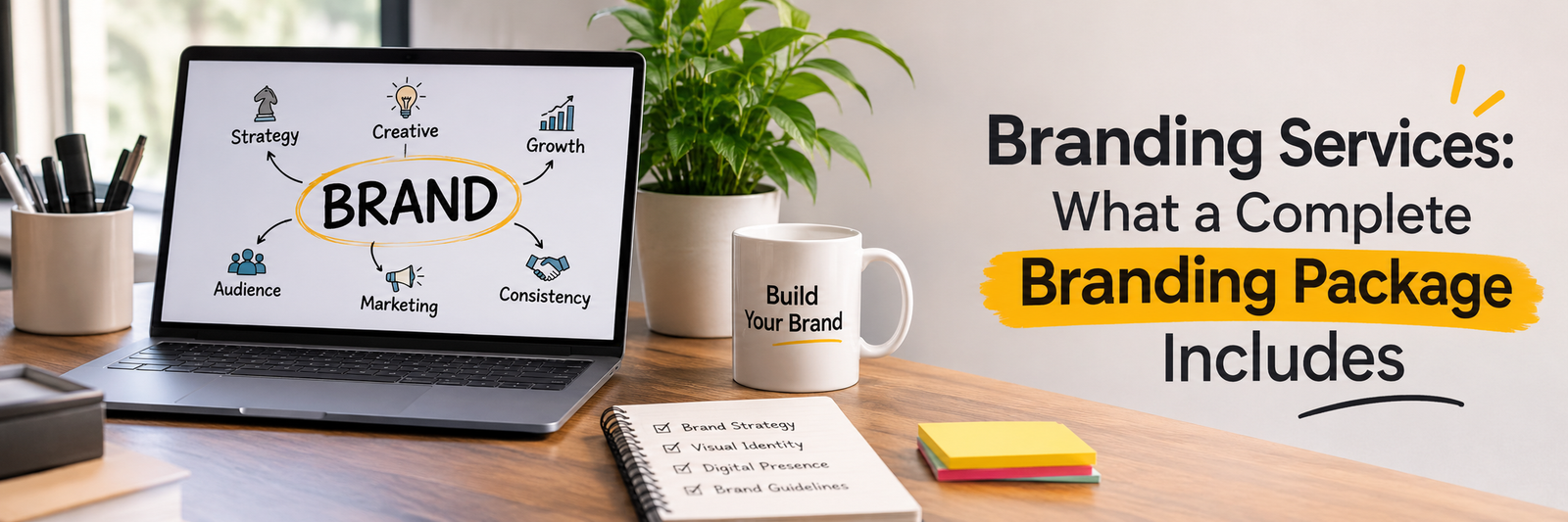
A complete branding package is not a logo with a few colour swatches attached. At Honeycomb, we treat it as a working toolkit that should serve your sales team in Pune as well as your packaging vendor in Gujarat. Here is what a genuine package should contain.
1. Brand Discovery and Research
Every project we take on starts with diagnosis, not design. We study your business goals, customers, competitors and category conventions. This phase often surfaces uncomfortable truths, like a product range that has outgrown its name, and those truths shape everything that follows.
2. Brand Strategy and Positioning
This is the blueprint: brand purpose, value proposition, audience personas, brand personality and competitive positioning. Skip it and your designers are simply decorating guesswork. We insist on locking the brand strategy before a single sketch is made.
3. Logo Design and Visual Identity
The face of your brand. Good brand identity services deliver a primary logo, secondary versions, an icon or monogram, and clear usage rules for light and dark backgrounds. A strong logo design stays legible on a tiny browser favicon and on a highway hoarding alike.
4. Colour Palette and Typography
A defined colour system with primary, secondary and accent colours, complete with HEX, RGB, CMYK and Pantone codes. Add a typography hierarchy for headlines, body copy and digital screens. These two elements quietly do more for recognition than most founders realise.
5. Brand Voice and Messaging
How your brand sounds matters as much as how it looks. This covers your tagline, elevator pitch, key messages and tone of voice. Our copywriters work alongside our designers, so words and visuals are built together rather than stitched together later.
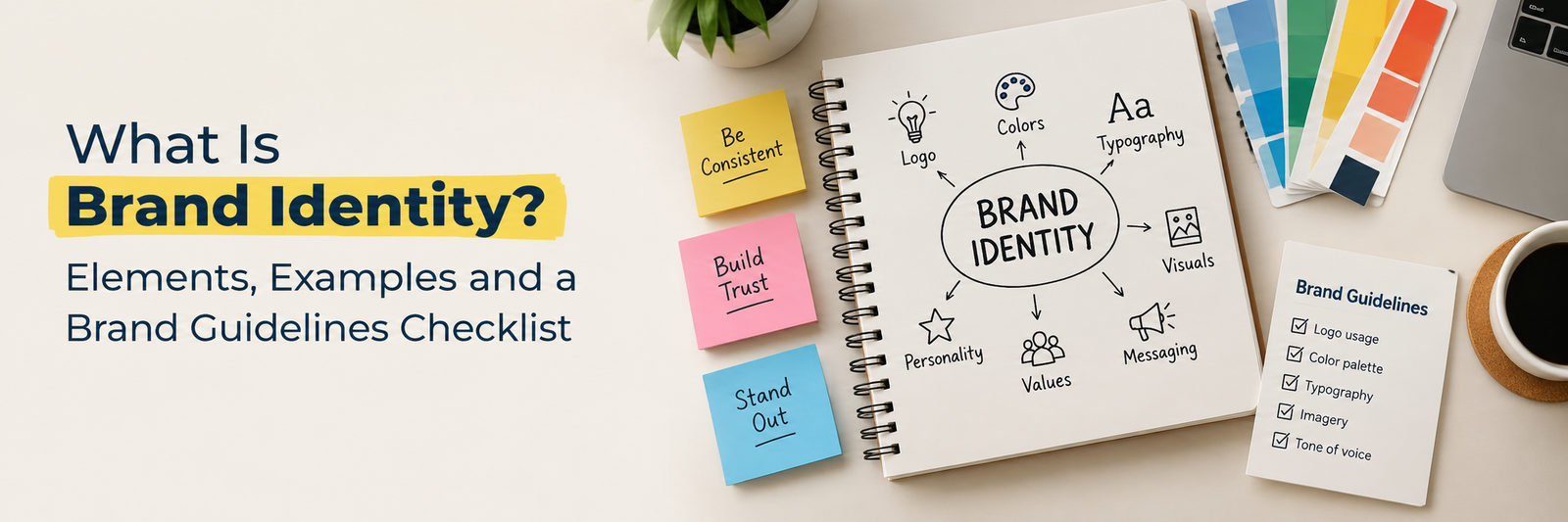
6. Brand Guidelines
Your brand book, or brand style guide, is the rulebook that keeps everyone consistent long after the agency steps away. We keep ours practical, with real dos and don’ts your team will actually use, not a 90 page PDF nobody opens.
7. Brand Collateral and Stationery
Business cards, letterheads, email signatures, presentation templates, brochures and company profiles. For Sacumen, our team translated their positioning into a polished brochure that matched their brand and their industry perfectly.
8. Digital Brand Assets
Social media templates, website style elements, ad layouts and icon sets. Your brand lives on screens first, so these assets must be platform ready from day one.
9. Brand Rollout and Implementation Support
This is the step most agencies quietly leave out. A new identity has to be applied to your website, signage, packaging, presentations and sales decks, and your internal team needs to understand why the brand looks and sounds the way it does. We stay involved through implementation, applying the brand across digital and physical touchpoints and handing over organised master files, so the launch feels confident rather than chaotic.
How Do You Choose the Right Branding Agency?
Not every branding agency offers the same depth, and a beautiful portfolio is only half the story. Before you sign, ask these five questions:
Do they start with strategy, or jump straight to logo options?
Have they built brands in industries similar to yours?
Do strategy, design, copywriting and production sit under one roof?
Will they help roll the brand out, or simply hand over files?
How many of their clients stay with them long term?
That last question tells you a lot. Around 60 percent of Honeycomb’s clients stay with us for the long haul, and teams at Titan, Infosys, Carl Zeiss and Honda trust us with their creative work. Here is our honest opinion after nearly two decades in this business: the cheapest logo is often the most expensive one. A rebranding exercise two years later costs far more than doing it right the first time. Watch out for red flags too: fixed price packages that never ask about your customers, three logo options delivered in 48 hours, or a proposal that ends at file handover. Branding is a business decision, so treat your agency like a strategic partner, not a vendor.
Is Your Brand Ready to Be Remembered, Not Just Recognised?
A logo gets you noticed. A complete branding package gets you remembered, trusted and chosen. Strategy, identity, voice, guidelines and assets are not optional extras. Together, they form the system that makes every future campaign easier and more effective.
At Honeycomb, we have spent 18 years helping startups, growing businesses and established enterprises across Bengaluru, Mumbai and beyond build identities that work as hard as they do. Our brand identity services bring discovery, strategy, design, implementation and rollout together under one roof, so nothing gets lost in translation. Whether you are launching a startup, repositioning after a merger or simply tired of explaining what your company does, the right branding services turn that challenge into a clear, confident story.
Branding services help a business define and express who it is. They typically include research, brand strategy, logo and visual identity design, messaging, brand guidelines and the rollout of the brand across every touchpoint.
What does a complete branding package include?
A complete branding package usually covers brand discovery, positioning, logo design, colour palette, typography, brand voice, brand guidelines, stationery, marketing collateral and digital brand assets for web and social media.
How much do branding services cost in India?
Costs depend on scope and company size. At Honeycomb, a foundational brand identity project for a mid-size company typically starts at 3 to 5 lakh rupees, while comprehensive corporate rebranding can range from 10 to 30 lakh rupees or more.
How long does a branding project take?
It depends on the scope. A focused identity project takes a few weeks, while a full rebrand with strategy, guidelines and rollout can run for a few months. A good branding agency shares a clear timeline in its proposal.
What is the difference between branding and brand identity?
Branding is the overall process of shaping how people perceive your business. Brand identity is the visible and tangible part of it: your logo, colours, typography, imagery and voice.
Do I need a branding agency if I already have a logo?
Often, yes. A logo is only one piece. Without strategy, guidelines and consistent assets, a logo alone cannot build recognition or trust across channels.
Does Honeycomb offer rebranding services?
Yes. Honeycomb helps companies across IT, manufacturing, pharma, healthcare and more with identity overhauls, brand architecture changes and communication updates, managing both the creative work and the rollout.
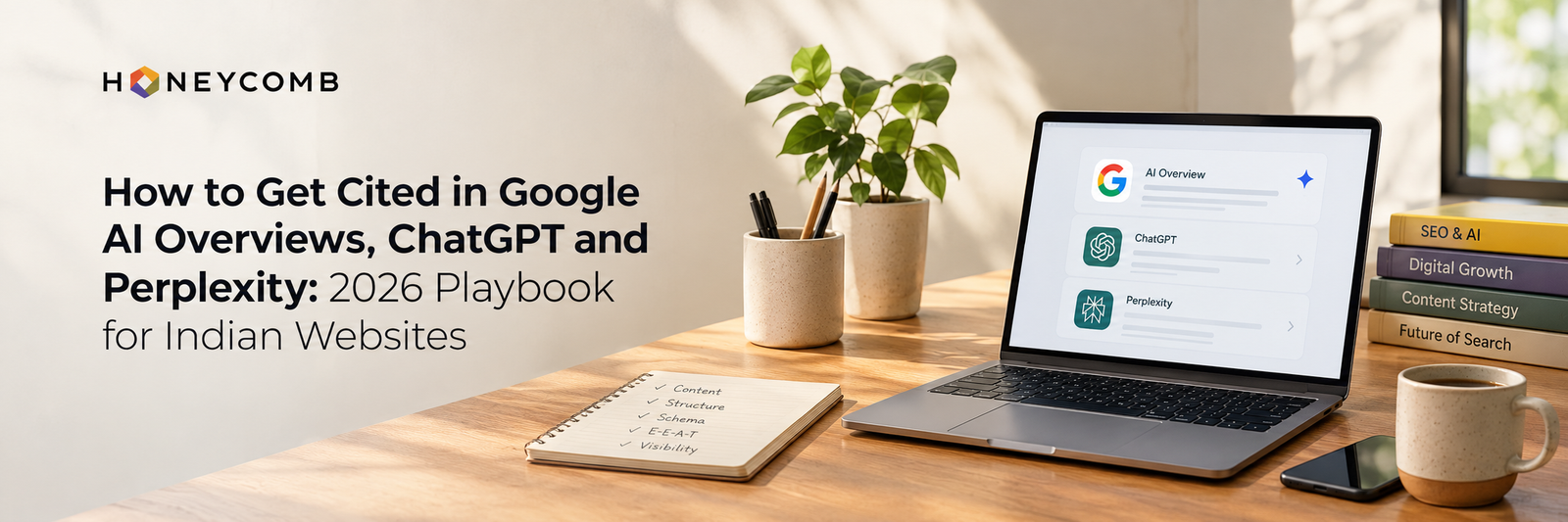
When someone in India asks Google, ChatGPT or Perplexity a question, the answer often arrives before any website is opened. The sites named or linked inside that answer get the attention, even when fewer people click through. Getting cited is not luck and it is not a trick. It comes from pages that are easy to access, easy to understand and worth trusting.
This playbook shows how to appear in AI results: what each platform says about how it finds sources, seven steps to follow, and how to measure progress. Where Google, OpenAI or Perplexity has confirmed something, we say so. Where it is good practice rather than a confirmed ranking factor, we say that too.
The short answer: Let Google, OAI-SearchBot and PerplexityBot crawl your site. Build pages that already rank and answer the question in their first two sentences. Back them with a named author, original facts and a trustworthy brand footprint. Then test your visibility every month. Nobody can guarantee a citation, so treat this as a system to improve, not a switch to flip.
How each platform picks its sources
Platform
How it finds your pages
What you control
What is confirmed
Google AI Overviews and AI Mode
The Google Search index
Snippet controls: nosnippet, data-nosnippet and max-snippet
A page must be indexed and eligible to show with a snippet. Google says there are no additional requirements or special optimizations beyond standard SEO best practices.
ChatGPT search
OAI-SearchBot, OpenAI’s search crawler
A robots.txt rule for OAI-SearchBot and firewall access
Sites opted out of OAI-SearchBot are not shown in ChatGPT search answers, though they can appear as plain links. GPTBot, the training crawler, is a separate setting.
Perplexity
PerplexityBot builds search results. Perplexity-User fetches a page when a person asks about it
A robots.txt rule for PerplexityBot and firewall access
Perplexity says PerplexityBot is not used to train foundation models, and Perplexity-User generally ignores robots.txt because a person triggered the request.
For Indian businesses this matters now. Google announced AI Overviews for India in English and Hindi in August 2024. AI Mode reached India through Search Labs in June 2025, opened to all users in English in July 2025, and Google has since added Hindi. You are already competing for these answer spaces, in two languages.
Step 1: Let the right crawlers in
Most missed citations start with accidental blocking. Check three places.
Robots.txt. Make sure the search crawlers are allowed:
User-agent: OAI-SearchBot
Allow: /
User-agent: PerplexityBot
Allow: /
User-agent: Googlebot
Allow: /
Allowing OAI-SearchBot does not allow model training. GPTBot is a different crawler, so you can allow search and block training if you prefer. OpenAI and Perplexity both say changes can take up to about 24 hours to apply.
Your firewall or CDN. Security rules sometimes block unfamiliar bots even when robots.txt allows them. OpenAI and Perplexity both publish IP ranges you can allow.
Page-level tags. A nosnippet tag, or a very low max-snippet value, stops Google from showing your text in AI features. Check your templates, especially on service and blog pages.
One more detail: ChatGPT-User and Perplexity-User fetch pages on behalf of a person, and both companies say robots.txt may not apply to those requests.
Step 2: Get the SEO foundation right first
Google says the same SEO best practices that work for Search apply to its AI features. A page that is not indexed cannot be a supporting link, and Google also points to internal links and good page experience as part of the basics.
Start with the basics:
Confirm your important pages are indexed in Google Search Console.
Link every key page from at least one other page on your site.
Fix duplicates. If five posts answer the same question, merge them into one stronger page and redirect the others.
Keep one clear page for each service or topic.
An SEO audit is the fastest way to find indexing, duplicate content and internal linking problems. If you want a team to run it, talk to an SEO agency in Bangalore that already works with AI search visibility.
Step 3: Write answer-ready content
AI search tools assemble answers from passages. This is good practice rather than a confirmed rule: pages that state the answer plainly are easier to quote than pages that circle around it.
Put the answer first. Compare these two openings.
Weak: In today’s fast-changing digital landscape, many marketers are asking what GEO really means.
Strong: Generative engine optimization (GEO) is the practice of making your content easy for AI search tools to find, understand and cite.
Then apply these habits:
Use question headings that match real searches, such as How long does SEO take?
Keep paragraphs to two to four sentences with one idea each.
Use tables for comparisons and numbered lists for steps.
Add specifics: figures with dates, named sources, prices in rupees, city names and Indian rules where they apply.
Add original material that nobody else has: your own data, case studies, screenshots and expert quotes. A reason to cite you has to exist.
Keep one topic per page. Padding makes a page harder to quote.
If SEO, AEO and GEO sound like three terms for the same thing, our guide to the Search Trinity explains how they fit together. For help producing this kind of content at scale, see our content marketing services.
Step 4: Build trust signals people and machines can see
Search systems judge trust from signals beyond one page. This is general SEO guidance, not a confirmed AI citation rule, but it is consistent with how Google describes helpful, reliable content.
Put a named author and a short bio on every article.
Make your About and Contact pages clear: who you are, where you are, how long you have operated.
Keep your business name, address and phone number identical across your website, Google Business Profile and directory listings. Our guide to Google Business Profile optimization covers the setup.
Publish case studies with real results and ask happy clients for reviews.
Earn mentions on credible sites in your industry: publications, partners and category directories.
There is no special AI schema. Google says structured data is not a requirement for AI Overviews, and valid markup does not guarantee a citation. It still helps search systems understand a page.
Use Organization, Article or BlogPosting and BreadcrumbList markup where they fit. Add FAQPage markup only where the page shows real questions and answers. The markup must match the visible text word for word.
Step 6: Make pages fast and easy to read
Keep key content in the HTML. Not every crawler renders JavaScript the way a browser does, so do not hide important answers behind tabs or scripts that load late.
Make the page fast and mobile friendly. Page experience is part of Google’s basics.
Use one H1, clear H2 and H3 headings and a short table of contents on long articles.
Write descriptive image alt text.
A well-built site makes all of this easier. If your site needs a rebuild, a website design company in Bangalore can build with SEO structure and speed from day one.
Step 7: Keep content fresh and dated
Show a visible last-updated date. Review statistics and prices every year, and remove claims you cannot support. Put the year in a title only if you will update the page when the year changes.
What Indian websites should do differently
Cover English and Hindi where your buyers use them. AI Overviews support both. Use a fluent writer, not machine translation.
Use Indian context. Mention prices in rupees, Indian cities and states, Indian regulations and tax terms, and examples your readers recognise.
Keep local details accurate. If you serve Bangalore, say so on the page, and keep your Google Business Profile correct.
Write unique pages for each city. Copying one template across ten cities adds no value.
Target the Indian version of the question. People search for how to appear in AI results with their own wording, so check your Search Console queries and use the phrases your customers actually type.
How to measure your AI search visibility
Search Console. Google says clicks and impressions from AI features count in your overall Search traffic. Watch impressions and clicks for question-style queries and for your priority pages.
Prompt testing. List 20 questions your customers ask. Once a month, run them in Google (AI Overviews and AI Mode), ChatGPT search and Perplexity. Record whether you are cited, which page appears and which competitors are named. Answers vary by person, place and day, so watch the trend, not a single result.
Analytics. In GA4, look for referral traffic from AI platforms such as chatgpt.com and perplexity.ai.
Brand searches. Growth in searches for your brand name often follows growing visibility.
Our roundup of the best AI SEO tools lists options for tracking and research.
A 90-day checklist
When
What to do
Weeks 1 to 2
Check robots.txt, firewall rules and snippet tags. Confirm key pages are indexed.
Weeks 3 to 6
Pick 10 priority pages. Rewrite them answer-first, add authors, dates and real FAQs.
Weeks 5 to 8
Merge duplicate pages, fix internal links and add structured data.
Weeks 7 to 12
Collect reviews, publish case studies, clean up listings and earn relevant mentions.
Every month
Run your 20 test prompts and record the results.
Common mistakes to avoid
Blocking AI crawlers through a firewall without knowing it.
Publishing many thin posts that answer the same question.
Burying the answer under a long introduction.
Publishing anonymous articles with no author or company details.
Expecting guaranteed citations or results within a week.
Publishing unedited AI-written text.
Frequently asked questions
Do I need special schema or markup to appear in Google AI Overviews?
No. Google says a page needs to be indexed and eligible to show with a snippet, and that there are no additional requirements or special optimizations.
If I block GPTBot, will I disappear from ChatGPT?
Not from ChatGPT search. GPTBot is OpenAI’s training crawler. Visibility in ChatGPT search runs through OAI-SearchBot, which is a separate setting.
Is llms.txt required to get cited?
None of the official documentation from Google, OpenAI or Perplexity that we reviewed lists it as a requirement. It is optional.
Do I need to rank number one to be cited?
Google’s published requirement is indexing and snippet eligibility, not a specific ranking. In practice, pages that rank well and answer clearly give you the best chance, but no one can promise a citation.
How long does it take?
Crawler access changes can apply within about 24 hours according to OpenAI and Perplexity. Content and trust improvements usually take weeks to months to show.
Your customer decides whether to trust your D2C brand in the ten seconds after a delivery partner hands over the parcel. No ad, influencer reel or discount code gets a vote. The box does all the talking.
In 2026, Indian shoppers meet hundreds of brands a day, yet they remember only the few that felt considered when the carton reached their hands. When branding and packaging design work as one system, that moment becomes your cheapest marketing channel. When they do not, it becomes a return request. Here is how to build the first kind.
Why Branding and Packaging Design Are One Job
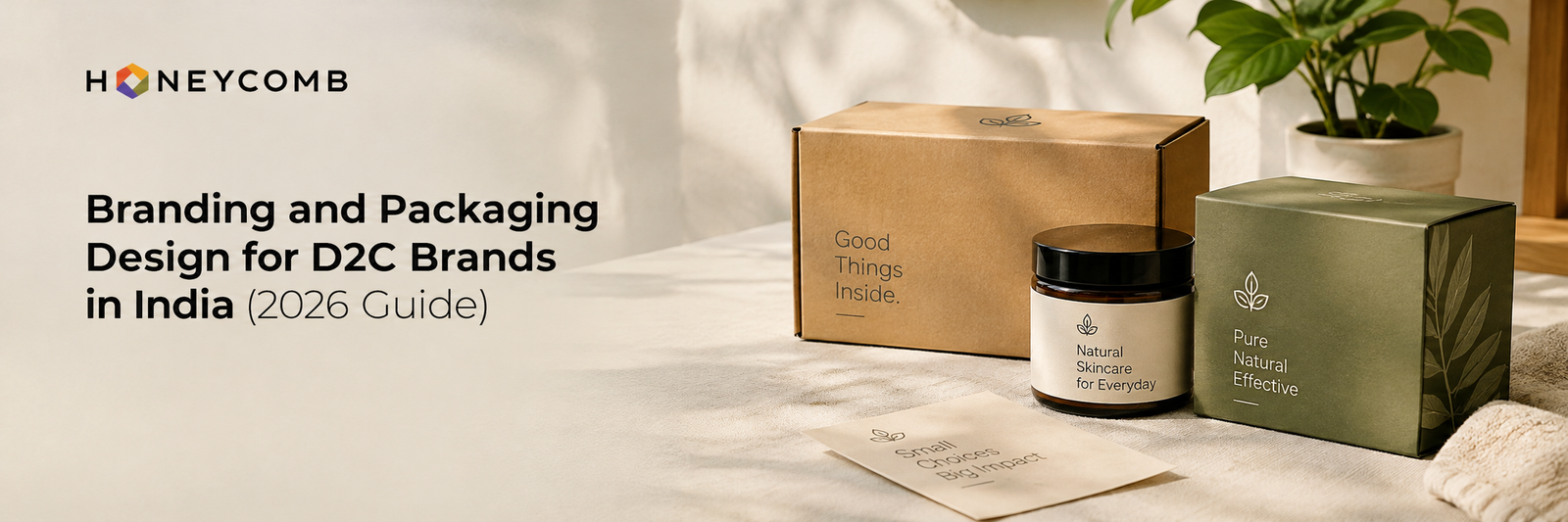
Most founders brief a logo first and a box later, often with different vendors. The result is a brand that looks confident on Instagram and confused in the hand. At Honeycomb, a branding and creative agency with 18 years of experience, we treat the pack as the brand’s most physical page. Colour, typography, tone of voice and material must all say the same thing.
Your brand identity is the promise. Your packaging is the proof. A premium positioning printed on thin stock with a cluttered label breaks that promise before the product is even opened.
Five Shifts Shaping D2C Packaging in India in 2026
Marketplace-first thumbnails. Your pack must read at thumbnail size on Amazon and quick-commerce apps, not just on a shelf. Bold hierarchy beats fine detail.
Regional confidence. Bilingual labels and local cultural cues are now a strength, not an afterthought.
Sustainable packaging with proof. Buyers distrust vague green claims. State the material and how to dispose of it.
Unboxing as content. A thoughtful unboxing experience gets filmed, shared and remembered. That is free reach.
Scalable systems. Variants, sizes and festive editions need one flexible design system, not twelve separate designs.
How a Branding Agency in India Should Work
A good branding agency in India diagnoses before it decorates. Our process follows five steps:
Product discovery: We study your product, audience, competitors and price point before any creative work begins.
Concept development: We explore structure and visuals together, balancing shelf appeal with function.
Design development: Typography, colour and graphics are refined into one cohesive packaging system.
Artwork and production: Files are prepared for print with technical accuracy. Many beautiful designs die at the printer, so we plan for production from day one.
Final delivery: You receive production-ready assets and guidelines, so every future SKU stays on brand.
The Five-Question Test Before You Print
Before any pack goes to production, run it through these questions. Our opinion is that a design which fails even one of them is not ready.
Can a stranger tell what it is in three seconds? Category and benefit should be obvious at a glance.
Does it still work at thumbnail size? Shrink the artwork to the size of a phone screenshot and check.
Does it feel like your brand voice? A playful brand should not ship a stiff, corporate label.
Can it stretch across variants? Add a new flavour, size or shade and see whether the system holds.
Can it be made at your target cost? Board, finish and print method must match your margins.
Where to Spend and Where to Save
Founders often overspend on embellishments and underspend on fundamentals. Invest in clear hierarchy, sound structure and one memorable tactile moment, such as a distinctive closure or insert. Save by standardising box formats across variants, limiting special finishes to hero products and designing label systems that share a common template. Smart packaging design is rarely about spending more. It is about spending where the customer actually notices.
Four Mistakes We See Again and Again
Designing for the photoshoot, not the shelf. A pack that looks stunning on a white background can disappear in a crowded aisle or a tiny app thumbnail.
Cramming every claim onto the front panel. Clarity builds trust. Choose one hero message.
Ignoring production realities. Board, finish and cost per unit decide whether a design survives scale.
Skipping brand guidelines. Without them, every new SKU drifts a little further from the original idea.
Your Box Is the Only Salesperson Who Never Sleeps
Think about what a D2C brand cannot control: courier delays, rising ad costs, competitor discounts. Now think about what it can. Every parcel is a controlled, repeatable, zero-media-cost meeting with a paying customer. Strong packaging lifts perceived value, supports a higher price, reduces the confusion that leads to returns, and hands your customers something worth sharing. Brands that treat it as an afterthought pay for it in every ad rupee they spend to make up the difference.
That is the case Honeycomb makes to every founder. As a creative agency that brings strategy, design, content and production under one roof, we build identities and packs that work together from the first brief to the final print file.
Ready to turn your next parcel into your best pitch? Explore our packaging design services at stg.honeycombindia.net/, or book a call with the Honeycomb team today.
Frequently Asked Questions
What is branding and packaging design for D2C brands?
It is the combined work of defining your brand’s identity, voice and visual language, then applying it to your box, label and inserts so the product feels consistent from first glance to unboxing.
How much should a D2C brand spend on packaging?
There is no fixed figure. Start with your target margin and cost per unit, then design within that limit. Smart design often adds more perceived value than a costlier material would.
Do I need a brand identity before packaging design?
Yes. Packaging is the most visible application of your identity. Designing it first usually means redoing it later.
How do I choose the right branding agency in India?
Look for strategy before aesthetics, relevant experience, in-house production knowledge and a clear process. Ask how the agency prepares print-ready artwork.
Can sustainable packaging still feel premium?
Absolutely. Thoughtful material choices, clean structure and honest labelling can feel more premium than heavy, over-finished packs.
Can one design system cover multiple product variants?
It should. A scalable system keeps every variant recognisable as part of one brand while making each one easy to tell apart.
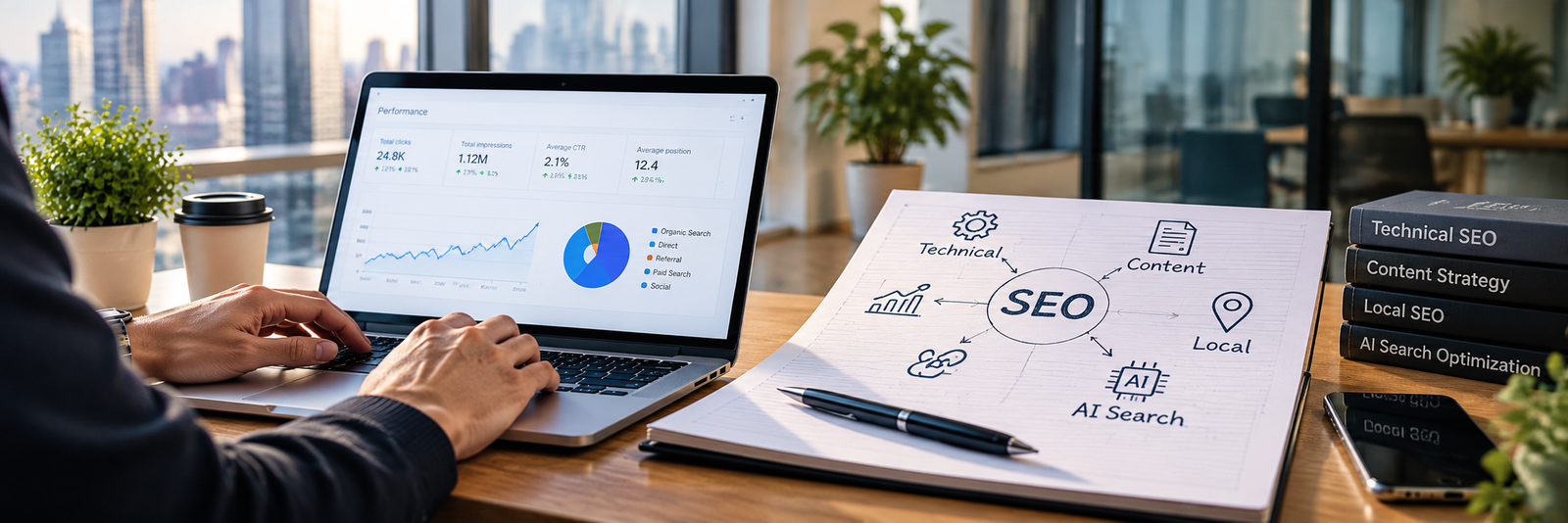
A complete SEO services list for 2026 includes an SEO audit, technical SEO, on-page optimization, content, link building, local SEO, AI search optimization and monthly reporting. Not every business needs every item, so the right package depends on your website, your competition and your goals. This guide explains each service, who needs it, and how to choose between SEO professional services providers in India.
Why every SEO package looks different
If you are comparing SEO professional services for your business, you will notice that every agency describes its package differently. One quote lists five items, another lists twenty, and it is hard to tell what you are actually paying for.
This SEO services list explains what a complete SEO package includes in 2026, what each service does, and how to decide which parts your business needs. It is written for business owners and marketing managers across India, whether you run a local shop, a manufacturing company, an ecommerce store or a growing B2B brand.
If you are completely new to the topic, start with our simple beginner guide to SEO and then come back to this list.
The complete SEO services list
A good package works in a sequence. First you understand where the website stands, then you fix the foundation, then you build content and authority, and finally you measure what is working. Here are the eight parts of a complete SEO package.
1. SEO audit and strategy
Every good package starts with an audit. The audit checks how your website performs today: which pages are indexed, which keywords you already rank for, where competitors are ahead, and what is holding your site back. The output should be a written strategy with priorities, not a generic list of fixes.
A proper audit and strategy usually covers:
A website crawl and indexing review
Keyword and competitor gap analysis
A review of current rankings, traffic and leads
A prioritised action plan with a clear order of work
2. Technical SEO
Technical SEO makes sure search engines can find, crawl and understand your website. If this layer is weak, even great content will struggle to rank.
Typical technical work includes:
Fixing crawl and indexing problems (robots.txt, XML sitemaps, canonical tags)
Improving page speed and Core Web Vitals
Making sure the site works well on mobile, since many of your visitors will arrive on a phone
Setting up HTTPS, clean URLs and correct redirects
Adding structured data (schema) so search engines understand your pages
Finding and fixing broken links, duplicate pages and pages that compete with each other
If you are planning a redesign or a new website, technical SEO should be part of the project from day one, not added after launch.
3. On-page SEO and keyword research
These are the SEO optimization services most people picture when they think of SEO. On-page work makes each page clear to both users and search engines.
It usually includes:
Keyword research based on search intent (people who want to learn versus people who want to buy)
Mapping each keyword to the right page, so two pages do not compete for the same search
Writing or improving title tags, meta descriptions and headings
Internal linking between related pages
Image optimization and alt text
Improving page content so it answers the questions searchers actually have
Good keyword research is the part that most affects results. A package that skips it and goes straight to “optimizing” pages is guessing.
4. Content strategy and creation
Search engines reward websites that answer real questions well. A complete package includes a plan for the content your website needs and, ideally, the writing itself.
That can include:
Service and product pages written around what buyers search for
Blog posts and guides that build topical depth
FAQ sections written in clear, direct language
Updating and merging older content that has stopped performing
Supporting formats such as video, where it makes sense. Our guide to video SEO strategies for YouTube shows how video can support search visibility.
Content volume matters less than usefulness. A smaller set of strong pages usually beats a large set of thin ones.
5. Off-page SEO and link building
Off-page SEO builds your website’s authority through signals from other websites. The most important part is earning links from relevant, trustworthy sites.
A responsible approach includes:
Outreach and guest contributions on relevant industry sites
Digital PR and brand mentions
Business listings and citations that keep your name, address and phone number consistent
Reviewing existing links and removing risky ones where needed
Be careful with packages that promise hundreds of links a month. Bulk link buying and directory spam can put your website at risk. A few good links from relevant sites are worth more than many weak ones.
6. Local SEO
Local SEO helps your business appear when people search for services near them or in a specific city. It matters for clinics, retail stores, service businesses and any company with a physical location.
Local SEO work usually includes:
Setting up and optimizing your Google Business Profile
Keeping your business details consistent across listings
Building a steady flow of genuine customer reviews and responding to them
Creating location pages for each city or branch you serve
Search is no longer only a list of ten blue links. People now get AI-generated answers in search results and in tools such as ChatGPT and Perplexity. AI search optimization, often called GEO (generative engine optimization) or AEO (answer engine optimization), helps your content get understood and referenced in those answers.
In 2026, a complete package should include at least the basics of AI search optimization:
Answer-first content with clear headings and direct definitions
FAQ sections and structured data that make answers easy to extract
Consistent information about your brand, services and locations across your website and the wider web
Original expertise that others can cite, such as case studies, your own data and named authors
A technical setup that lets the crawlers you want to reach your pages
Tracking where your brand is mentioned in AI answers
Be honest with yourself about what this can do. No one can guarantee a mention in an AI answer, and anyone who promises one is overselling. What you can do is make your content clear, trustworthy and easy to quote.
SEO without reporting is hard to trust. Your package should include regular reports that show what was done and what it achieved.
A useful report covers:
Organic traffic and ranking movement from Google Search Console and analytics
Which pages and keywords are growing
Leads, calls and form submissions that came from organic search
Work completed this month and the plan for next month
Reports should show business outcomes, such as enquiries, and not only rankings. Rankings are a means to an end, not the goal.
Which SEO services does your business need?
The full list suits larger businesses with competitive keywords. Smaller businesses can start with the parts that matter most to them.
Local service businesses and clinics. Focus on local SEO, Google Business Profile, reviews and service pages for each area you serve. Add technical fixes and basic content next.
Ecommerce stores. Technical SEO, product and category page optimization, and content that supports buying decisions matter most. Site speed and clean site structure are especially important for stores with many pages.
B2B and manufacturing companies. Buyers research for a long time before they enquire. Strong service pages, case studies and informational content work well. Our article on why manufacturing companies need modern websites for SEO and leads explains this in more detail.
Startups. Start with a clean technical foundation, a small set of high-intent pages and a content plan you can keep up. Add link building and AI search work as the site grows.
Brands with multiple cities. You need location pages, consistent listings and local SEO for each branch, on top of a strong main website.
How SEO and digital marketing work together
SEO and digital marketing are not competing choices. SEO builds long-term organic visibility, while paid ads on Google and Meta can bring faster traffic. Social media and email keep your audience engaged once they find you.
The two sides help each other. SEO research shows which keywords and pages convert, and that insight improves your ad campaigns. Paid campaigns show which messages work, and that insight improves your SEO content. It also helps when the same team handles design, content and SEO, because pages are built to rank and to convert from the start.
How to choose SEO professional services in India
There are thousands of agencies and freelancers offering SEO professional services in India. These questions help you separate the good from the rest:
Is the scope written down? You should see a clear list of what is included each month.
Who does the work? Ask whether it is done by an experienced team or passed to an outsourced vendor.
Do they have relevant case studies? Look for results in your industry or a similar one.
Do you own your accounts? Google Search Console, analytics and Google Business Profile should be in your name.
How do they build links? Ask for examples of the kind of sites they approach.
What does reporting look like? Ask to see a sample report.
Do they understand your market? Businesses in India often serve several cities and languages, and the strategy should reflect that.
Watch out for these red flags:
A guarantee of first-page or number-one rankings
A very low price with a long list of vague deliverables
No access to reports or accounts
Pressure to sign a long contract before they have reviewed your website
How SEO packages are priced
SEO is usually sold in three ways. A monthly retainer covers ongoing work and suits most businesses. A one-time project covers a defined task, such as an audit or a site migration. A hybrid model starts with a project and moves to a retainer.
Price depends on the size of your website, how competitive your market is, how many locations you serve, how much content is needed and how much technical clean-up is waiting. Ask every provider for an itemised scope so you can compare quotes fairly. A cheaper quote that leaves out half of the SEO services list is not actually cheaper.
How long does SEO take?
SEO is a long-term channel. Technical fixes can show effects sooner, while competitive keywords and new content usually take months of steady work. Be careful with anyone who promises a fixed timeline for results. A better question to ask is how progress will be measured in the first few months, before major ranking gains arrive.
Why work with Honeycomb
Honeycomb Creative Support is a Bengaluru-based creative and digital agency. We handle SEO alongside branding, design and website development, so your pages are built to look right, load fast and rank. We work with businesses across India, from local service providers to B2B and manufacturing companies.
If you want a clear scope, honest reporting and a plan based on your goals, talk to the Honeycomb team and we will review your website and suggest the right package.
Frequently asked questions
What is included in a complete SEO package?
A complete SEO package typically includes an SEO audit, technical SEO, on-page optimization, content, link building, local SEO, AI search optimization and monthly reporting. The exact mix depends on your business and goals.
What is the difference between SEO and AI search optimization?
Traditional SEO helps your pages rank in search results. AI search optimization helps your content get understood and referenced in AI-generated answers. The two overlap, because clear, trustworthy and well-structured content helps with both.
Do small businesses need every service on the SEO services list?
No. A small business can start with technical basics, on-page work, local SEO and a few strong pages, then add other services as it grows. The SEO services list is a menu, not a requirement.
Is local SEO part of a standard SEO package?
It depends on the provider. Many packages include basic local SEO, but you should confirm whether Google Business Profile work, review management and location pages are included.
Can anyone guarantee a number-one ranking?
No. Search engines decide rankings, and no agency controls them. Treat any guarantee as a warning sign.
Should I choose a monthly retainer or a project?
Choose a project for a defined task, such as an audit or a migration. Choose a retainer if you need ongoing content, link building and reporting, which is how most SEO optimization services deliver results over time.
How do I compare SEO professional services providers?
Ask each provider for a written scope, sample reports, relevant case studies and clear account ownership. Compare what is included, not only the price.
Final thoughts
A useful SEO services list helps you ask better questions before you hire. The right complete SEO package covers the foundation, content, authority, local visibility and AI search optimization, and it reports on results you can understand. Start with the services that match your goals today, and add more as your business grows.
Want help choosing the right scope? Get in touch with Honeycomb for a review of your website and a clear plan.
Ask ten agencies what a website costs and you will hear ten answers, from ₹15,000 to ₹15 lakh. Nobody is lying. They are simply pricing different things. A website is not a product with a sticker. It is a bundle of decisions about strategy, design, content, code and growth. This guide cuts through the noise on website design cost in India in 2026, shows what each type of site really costs, and tells you where smart businesses spend and where they save.
What Is the Average Website Design Cost in India in 2026?
Typical web design pricing runs from about ₹15,000 for a simple brochure site to ₹15 lakh or more for a custom platform. Most business websites land between ₹50,000 and ₹2 lakh. These are market ranges, not a Honeycomb rate card, and every final quote depends on scope. The gap between a ₹30,000 site and a ₹3 lakh site is rarely the homepage. It lives in research, UX, content, speed, SEO structure and support.
How Much Does Each Type of Website Cost?
Website type
Typical range (₹)
Best for
Landing page or brochure site (1 to 7 pages)
15,000 to 50,000
Startups, freelancers, campaigns
Business or corporate website (8 to 25 pages, CMS)
50,000 to 2,00,000
SMEs, service firms, IT and healthcare brands
Ecommerce website
50,000 to 3,00,000+
D2C and retail brands
Custom website or web application
2,00,000 to 15,00,000+
Manufacturers, enterprises, platforms
Brochure sites are fast and focused. They suit idea validation and campaigns. The risk is that template-led pages tend to look like everyone else’s.
Business websites are the sweet spot, and this is where affordable custom web design lives. You get a custom UI/UX layer, a WordPress or similar CMS, SEO-ready page structure and conversion-focused forms, without enterprise pricing.
Custom builds make sense when the website is the sales engine. Consider the website developed for India’s largest aluminium extrusion company by Honeycomb. Their project covered a full redesign and redevelopment, including UX design, development, copywriting and SEO. Our Bhuwalka Premier Group work paired a rebranding with a new website build for a steel manufacturer. For industrial brands, the website is the first sales meeting, so it is built like one.
What Drives Ecommerce Website Cost?
Ecommerce website cost climbs faster than most buyers expect, because a store is software, not just design. The big levers are catalogue size, payment and shipping integrations, inventory management, filters and search, product photography and mobile checkout. Here is our blunt view: a store that loses buyers at checkout is expensive, however cheap it was to build. Spend on the buying journey first, and decorate later.
Which Factors Shape Website Development Cost?
Whatever the website type, website development cost moves with the same seven dials:
Pages and templates: More unique layouts mean more design and build hours.
Design depth: A customised template costs less than fully custom UI/UX.
Functionality: Booking, CRM links, calculators and payments each add complexity.
Content: Copywriting, photography and video are separate workstreams.
Platform: WordPress, headless setups and custom code price very differently.
SEO and performance: Technical structure built in from day one costs less than a retrofit.
Who builds it: Freelancers, agencies and builders trade price against accountability.
What Costs Do Quotes Often Leave Out?
A launch is not the finish line. Budget for domain and hosting (often a few thousand rupees a year), SSL, security updates, backups, maintenance and content updates. Marketing and analytics come next, since a website nobody finds earns nothing. Always ask for recurring costs in writing before you sign.
Why Does the Cheapest Website Often Cost the Most?
Our opinion, built over 18+ years and 200+ clients: the lowest quote is usually the priciest decision. We see businesses rebuild within a year because the first site had no strategy, no SEO structure and no room to grow. At Honeycomb, we are an insight-led agency that diagnoses first. We uncover the real business challenge, then build fast, structured websites that turn casual browsers into decisive customers.
Because strategy, design, content and SEO sit under one roof, nothing gets lost in handoffs. The payoff shows up in results. For Career Germany, targeted SEO drove 330+ leads. Sites built SEO-ready from day one give your investment a compounding head start.
How Do You Get an Accurate Website Quote?
Walk into every conversation with five things: your business goal, a page list, the integrations you need, two or three reference sites you admire, and your realistic launch date. Then ask each agency what is included, what is extra and who owns the source files. Comparable quotes need comparable scope.
Conclusion: Your Website Is Not an Expense. It Is Your Hardest-Working Salesperson.
Picture a salesperson who never sleeps, never takes leave and meets every prospect before your team does. That is your website. A weak one quietly turns away leads every day, which makes the “cheap” option the costliest line in your budget. A well-planned one earns trust, ranks in search, supports your ads and gives your sales team a head start.
So stop asking, “What is the lowest price?” Ask, “What will this website return?” At Honeycomb India, we blend strategy, UI/UX, development, content and SEO to build sites that perform, with transparent scoping that fits your stage of growth. Ready for a quote based on your goals, not guesswork? Visit Honeycomb India’s web design services or call +91 90352 90915 and let us build your next best salesperson.
Frequently Asked Questions
How much does a business website cost in India in 2026?
Most professional business websites fall between ₹50,000 and ₹2 lakh, depending on pages, design depth and features.
Why do website quotes vary so much?
Agencies price different scopes. Research, custom UX, content, SEO and support are included in some quotes and missing from others.
Is a custom website better than a template?
Custom design fits your brand and conversion goals better. Templates work for early validation and tight budgets.
How long does website design and development take?
Simple sites can take a few weeks. Business and ecommerce sites often take longer, depending on content readiness and approvals.
Do I need to pay for maintenance after launch?
Yes. Hosting, security updates, backups and fixes keep the site fast and safe, so plan a recurring budget.
Can Honeycomb build a website that is SEO-ready?
Yes. We plan site structure, content and technical SEO during design, so the site is built to be found.
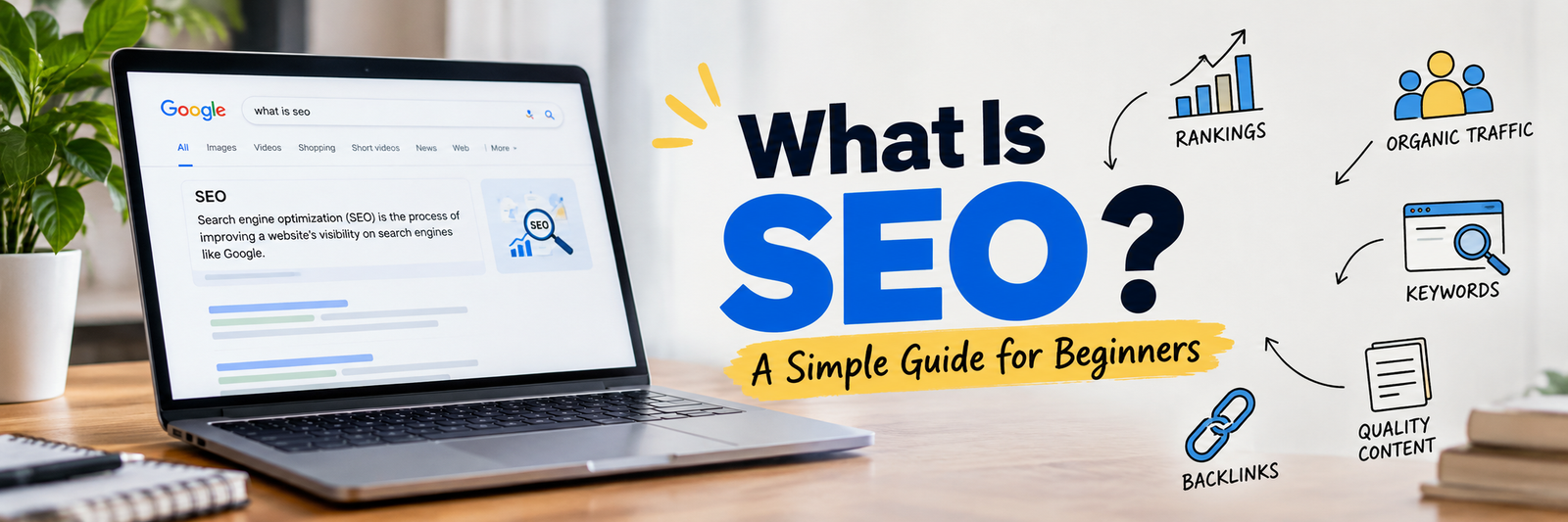
Everything you need to know about SEO, explained in simple language, with real examples.
If you have just joined a digital marketing team, you have probably heard words like “keywords”, “backlinks”, “crawling”, “SERP” and “indexing” in the first week. Everyone seems to use them like you already know what they mean.
Don’t worry. Nobody is born knowing SEO. This guide explains every important part of SEO from zero, in plain words. By the end, you will understand what SEO is, how it works, the different types of SEO, and what a day of SEO work actually looks like.
1. What Is SEO?
SEO stands for Search Engine Optimization.
It is the work of improving a website so that search engines like Google and Bing can understand it, trust it, and show it to people when they search for something related.
Let’s break the three words down:
Search Engine: Google, Bing, Yahoo, DuckDuckGo, and also YouTube search or Amazon search.
Optimization: Making something better and more suitable.
SEO: Making your website better so search engines show it higher in the results.
A Simple Example
Imagine a big library with millions of books. A visitor walks in and asks the librarian, “Which book teaches me how to start a company in Dubai?”
The librarian will not recommend every book. They will recommend the few books that are the most relevant, the most useful, and the most trustworthy.
Google is the librarian. Your website is one of the books. SEO is everything you do to make sure the librarian picks your book first.
What SEO Is Not
SEO is not paid advertising. When you pay Google to show your ad, that is called SEM or PPC. SEO results are called “organic” because you do not pay for each click.
SEO is not a trick to fool Google. Modern SEO is about helping real people and making your site easy for search engines to understand.
SEO is not instant. It usually takes weeks to months to see results.
2. Why Does SEO Matter?
When people want something, they search for it. They search for a service, a product, a doctor, a recipe, a company, or an answer.
Here is why SEO is valuable for a business:
Free, steady traffic. Once a page ranks well, it can bring visitors every day without paying for each click.
High-intent visitors. People who search “company formation services in Dubai” are already looking to buy. They are warm leads.
Trust and credibility. People trust sites that appear on the first page more than sites they have never heard of.
Long-term value. A good article can bring traffic for years.
Better return over time. Ads stop the moment you stop paying. SEO keeps working.
Helps every other channel. Better content and a better website also help social media, email, and ads.
3. How Search Engines Work (The Basics)
Before you can do SEO, you must understand what Google does behind the scenes. It happens in three steps.
Step 1: Crawling (Discovering)
Google uses small programs called crawlers (also called bots or spiders). Googlebot is Google’s crawler. These bots travel from link to link across the internet and discover pages.
Think of a bot as a visitor who moves from one room of a building to another by following the doors. The doors are links.
If a page has no links pointing to it and is not in your sitemap, the bot may never find it.
Step 2: Indexing (Storing)
After finding a page, Google reads it and tries to understand it: what is it about, what language is it in, what images are on it, is it a duplicate of another page?
If Google thinks the page is useful, it saves it in a giant database called the index.
Important: If your page is not in the index, it cannot appear in search results at all.
Step 3: Ranking (Showing)
When someone types a search, Google looks into its index and picks the pages it believes are the best answer. It then orders them from best to worst. This order is called ranking.
Google uses hundreds of signals to decide, including:
How relevant the content is to the search
How good and helpful the content is
How trustworthy the website is (links, reputation, authors)
How fast and mobile-friendly the page is
The user’s location, language, and device
How safe and secure the website is
Remember the three words: Crawl, Index, Rank. Almost every SEO task helps one of these three steps.
4. Important SEO Terms Every Junior Must Know
Here is a quick dictionary. Come back to this section whenever you meet a new word.
Term
Easy Meaning
SERP
Search Engine Results Page. The page you see after you search.
Keyword
The word or phrase a person types into a search engine.
Organic traffic
Visitors who come from unpaid search results.
Impressions
How many times your page appeared in search results.
Click-through rate (CTR)
Clicks divided by impressions. Shows how many people who saw your result actually clicked.
Backlink
A link from another website to yours. Like a vote of trust.
Anchor text
The clickable words of a link.
Domain Authority (DA) / Domain Rating (DR)
A score from tools like Moz or Ahrefs that estimates how strong a website is. Not a Google metric.
Meta title
The blue clickable headline shown in search results.
Meta description
The short summary shown under the title in search results.
URL slug
The last part of a page address, like /seo-guide.
Sitemap
A file that lists all important pages of your site for search engines.
Robots.txt
A file that tells crawlers which parts of the site they may or may not visit.
Canonical tag
A tag that tells Google which version of similar pages is the main one.
Redirect (301)
Sends visitors and bots from an old URL to a new one permanently.
404 error
The page was not found.
Bounce rate
Visitors who leave after seeing only one page.
Search intent
The real reason behind a search. What the person actually wants.
Schema markup
Extra code that helps search engines understand your content better.
Core Web Vitals
Google’s measurements of page speed, responsiveness, and visual stability.
Algorithm update
A change Google makes to how it ranks pages.
Thin content
A page with very little useful information.
Duplicate content
The same or very similar content on more than one page.
Crawl budget
The number of pages Google is willing to crawl on your site in a given time.
5. Search Intent: The Most Important Idea in SEO
Before you write or optimize anything, ask: “What does the person really want when they type this?”
There are four main types of search intent:
Informational: The person wants to learn something. Examples: “what is SEO”, “how to register a company in UAE”.
Navigational: The person wants to go to a specific website. Examples: “facebook login”, “Ahrefs pricing page”.
Commercial investigation: The person is comparing options before buying. Examples: “best SEO tools”, “mainland vs free zone company”.
Transactional: The person is ready to take action or buy. Examples: “buy running shoes online”, “hire SEO agency in Dubai”.
Why Intent Matters
If someone searches “how to make tea” and you show them a page selling tea bags, Google will not rank your page well, because it does not match what the user wants. Always match your page type to the intent:
Informational search: blog post or guide
Commercial search: comparison page or review
Transactional search: product or service page
A lot of beginner mistakes come from ignoring intent.
6. The Main Types of SEO
SEO is not one single task. It is a group of areas that work together. Think of SEO as a house:
Technical SEO is the foundation and the walls.
On-page SEO is the interior: rooms, furniture, and decoration.
Off-page SEO is the reputation of the house in the neighborhood.
Content is the reason people want to visit in the first place.
Let’s study each one.
6.1 On-Page SEO
On-page SEO means everything you do inside a web page to help it rank.
This is the part you control completely. The main elements are:
Title tag: Include the main keyword near the beginning. Keep it around 50 to 60 characters so it does not get cut off.
Meta description: Write a clear, attractive summary of about 150 to 160 characters. It does not directly raise rankings, but a good one gets more clicks.
Headings (H1, H2, H3): Use one H1 for the main title. Use H2 and H3 for sections and sub-sections. This makes the page easy to scan and easy for Google to understand.
URL: Keep it short, clean, and readable. Example: /company-formation-uae is better than /page?id=4582&cat=3.
Keyword usage: Use your main keyword in the title, the H1, the first paragraph, and naturally in the body. Add related words and synonyms. Never stuff the same keyword again and again.
Content quality: Answer the question fully, clearly, and better than the pages already ranking.
Images: Compress them, give them useful file names, and add alt text that describes the image.
Internal links: Link to other relevant pages on your own site using clear anchor text.
External links: Link to trusted sources when it helps the reader.
Readability: Short paragraphs, simple words, bullet points, and clear formatting.
Call to action (CTA): Tell the reader what to do next.
Quick on-page checklist for any page:
Does it have one clear target keyword?
Is the keyword in the title, H1, and URL?
Is the meta description written to earn a click?
Do headings follow a logical structure?
Are images compressed and do they have alt text?
Are there at least a few internal links?
Does the content fully satisfy the search intent?
6.2 Off-Page SEO
Off-page SEO means everything you do outside your website that builds its reputation and trust.
The biggest part of off-page SEO is backlinks. When a respected website links to you, Google sees it as a vote of confidence. But not all links are equal.
A good backlink is:
From a website related to your topic
From a trusted, real website with real visitors
Placed naturally inside useful content
Earned or given for a good reason
A bad backlink is:
From spammy, low-quality, or irrelevant websites
Bought in bulk
Created automatically by software
Common off-page activities:
Link building: Guest posting, digital PR, resource pages, broken link building, and creating content that others want to link to.
Brand mentions: People talking about your brand online, even without a link.
Online reviews and listings: Google reviews, business directories, and industry platforms.
Social media and community presence: Not a direct ranking factor, but it spreads your content and builds brand awareness.
Digital PR: Getting featured in news and industry publications.
Key lesson: Quality beats quantity. Five strong, relevant links are worth more than five hundred weak ones.
6.3 Technical SEO
Technical SEO means making sure search engines can easily crawl, understand, and index your website.
Even the best content will not rank if the technical side is broken. Main areas:
Site speed: Slow pages frustrate users and hurt rankings. Compress images, reduce heavy scripts, and use good hosting and caching.
Mobile-friendliness: Google mainly uses the mobile version of your site to rank it. Your site must work well on phones.
HTTPS: The site must be secure (the padlock in the browser).
Core Web Vitals: Three measurements: how fast the main content loads (LCP), how quickly the page responds to clicks (INP), and how stable the layout is while loading (CLS).
XML sitemap: Helps Google find your important pages.
Robots.txt: Controls what bots can and cannot crawl. A single wrong line here can block your entire site, so be careful.
Site structure and navigation: A clean structure where important pages are only a few clicks from the homepage.
Fixing errors: Broken links, 404 pages, redirect chains, and server errors.
Structured data (Schema): Code that helps search engines understand things like FAQs, products, reviews, articles, and business details. It can also unlock rich results in search.
Indexing control: Using noindex tags on pages you do not want in Google, such as thank-you pages or internal search pages.
International setup (hreflang): For sites with multiple languages or countries.
JavaScript SEO: Making sure content loaded by JavaScript can still be seen by search engines.
You do not need to be a developer to do technical SEO, but you should learn to read basic reports, find problems, and explain them clearly to developers.
6.4 Content SEO
Content SEO means creating and improving content that satisfies search intent and builds topical authority.
Content is the heart of SEO. Without helpful content, there is nothing to rank.
What good SEO content looks like:
Answers the question completely and clearly
Written for humans first, search engines second
Original, with real experience, examples, and data
Easy to read, with headings, short paragraphs, and lists
Up to date
Organized so someone can find the answer quickly
Important ideas in content SEO:
Topic clusters: Build one main page (a “pillar”) about a big topic and several smaller pages about related sub-topics, all linked together. This shows Google you cover the topic deeply.
Topical authority: When your site covers a subject thoroughly, search engines see you as an expert on it.
Content refresh: Updating old articles with new facts, better structure, and fresh examples can bring them back up in rankings.
Content gap analysis: Finding topics your competitors cover but you do not.
E-E-A-T: Experience, Expertise, Authoritativeness, and Trustworthiness. This is Google’s way of describing quality. Show who wrote the content, why they are qualified, and where your facts come from.
6.5 Local SEO
Local SEO helps a business show up when people search for something nearby.
Examples: “dentist near me”, “business setup consultants in Dubai”, “best cafe in Bengaluru”.
Main tasks:
Create and fully complete the Google Business Profile (formerly Google My Business).
Keep the NAP consistent everywhere: Name, Address, Phone number.
Collect and reply to customer reviews.
Get listed in trusted local directories.
Create location pages with real, useful local information.
Add photos, services, working hours, and posts to the profile.
Local SEO is very powerful for service businesses that serve a specific city or area.
6.6 E-commerce SEO
E-commerce SEO is SEO for online stores.
Important tasks: optimizing product pages and category pages, writing unique product descriptions, using product schema (price, availability, ratings), handling out-of-stock products properly, avoiding duplicate content caused by filters and variations, and building helpful buying guides.
6.7 Other Types You Will Hear About
Mobile SEO: Making sure the mobile experience is fast and easy.
International SEO: Ranking in different countries and languages.
Video SEO: Optimizing videos so they appear in Google and YouTube search.
Image SEO: Helping images appear in image search.
Voice search SEO: Optimizing for questions people speak to their phones and speakers.
Enterprise SEO: SEO for very large websites with thousands or millions of pages.
7. Black Hat, White Hat, and Grey Hat SEO
These words describe the way you do SEO.
White Hat SEO: Follows Google’s rules. Focuses on real value for users. Examples: great content, honest link building, a fast website. Slower but safe and lasting.
Black Hat SEO: Tries to trick search engines. Examples: keyword stuffing, hidden text, buying spammy links, cloaking, copying other websites, and mass-producing low-quality pages. It may work for a short time but often leads to penalties or complete removal from Google.
Grey Hat SEO: Sits in the middle. Techniques that are not clearly against the rules but are risky.
Advice for juniors: Always choose white hat. A client’s website is their business. Never risk it for quick results.
8. Keyword Research: Finding What People Search For
Keyword research is the process of finding the words and phrases your target customers type into search engines. It is the starting point of almost all SEO work.
Types of Keywords
By length:
Short-tail (head) keywords: One or two words. Example: “SEO”. High search volume, very competitive, unclear intent.
Long-tail keywords: Longer and more specific. Example: “SEO checklist for small business websites”. Lower volume, but easier to rank and closer to what people really want.
By purpose: Informational, navigational, commercial, and transactional (as explained in the intent section).
By relationship to the brand: Branded keywords (include the company name) and non-branded keywords (generic terms).
Important Keyword Metrics
Search volume: Roughly how many times per month the keyword is searched.
Keyword difficulty (KD): An estimate of how hard it is to rank. Every tool calculates it differently.
CPC: The price advertisers pay per click. A high CPC often means the keyword has commercial value.
Trend: Whether searches are rising, falling, or seasonal.
SERP features: Whether the results include featured snippets, People Also Ask boxes, maps, videos, or images.
How to Do Keyword Research (Step by Step)
Understand the business. What does it sell? Who are the customers? What problems does it solve?
List seed keywords. Write down the obvious topics. Example: “company formation”, “business license”.
Expand using tools. Put seeds into tools like Google Keyword Planner, Ahrefs, Semrush, or free options like Google Autocomplete, People Also Ask, and Related Searches.
Check the SERP. Search the keyword yourself. Look at who ranks and what type of page they are.
Check intent. Make sure the keyword matches the page you plan to create.
Pick keywords wisely. Balance volume, difficulty, and business value. A keyword with fewer searches that brings buyers is better than a popular keyword that brings casual readers.
Group keywords. Put similar keywords together so one page targets one topic, not ten separate pages fighting each other (this problem is called keyword cannibalization).
Map keywords to pages. Create a simple sheet: keyword, page, intent, priority.
9. Competitor Analysis
Your competitors show you what is already working in your market.
What to look at:
Which keywords do they rank for that you do not?
Which pages bring them the most traffic?
What type of content do they publish?
Where do they get their backlinks?
How is their page structured? How long is it? What questions do they answer?
The goal is not to copy. The goal is to understand what Google rewards and then create something better, clearer, and more useful.
10. The Rise of AI Search: GEO and AEO
Search is changing. People now get answers from AI summaries in Google, and from tools like ChatGPT, Perplexity, Gemini, and Claude. Because of this, two new terms have appeared.
AEO (Answer Engine Optimization): Optimizing your content so that it is chosen as the direct answer to a question, such as in featured snippets, voice assistants, and AI answers.
GEO (Generative Engine Optimization): Optimizing your content so that AI tools mention, cite, or recommend your brand when they generate answers.
How to Prepare Your Content for AI Search
Answer questions directly and clearly, ideally in the first one or two sentences under a heading.
Use question-style headings, like “What is SEO?” or “How long does SEO take?”
Add an FAQ section with short, accurate answers.
Use structured data where suitable.
Show real expertise: author names, credentials, original data, and sources.
Keep brand information consistent across your website, social profiles, and directories.
Build brand mentions and reputation on trusted sites.
Keep content fresh and accurate.
The good news: good traditional SEO and good GEO/AEO share the same base. Clear, helpful, trustworthy content wins in both.
11. Tools Every SEO Beginner Should Know
You do not need to learn every tool at once. Start with the free ones.
Free tools:
Google Search Console: Shows how your site appears in Google: clicks, impressions, indexing problems, and more. This is the most important free tool.
Google Analytics (GA4): Shows how visitors behave on your site.
Google Keyword Planner: Basic keyword ideas and volumes.
Google Trends: Shows how interest in a topic changes over time.
PageSpeed Insights: Tests your page speed and Core Web Vitals.
Google’s Rich Results Test: Checks your structured data.
Google Business Profile: For local SEO.
Popular paid tools:
Ahrefs, Semrush, Moz: Keyword research, backlinks, competitor analysis, and site audits.
Screaming Frog SEO Spider: Crawls your website like a bot and finds technical problems. It has a free version for small sites.
Surfer SEO, Clearscope: Help optimize content.
Other helpful tools: Google Sheets for tracking, and Looker Studio for reports.
12. How to Measure SEO Success
SEO work must be measured. Here are the main numbers to track.
Metric
What It Tells You
Organic traffic
How many people arrive from search
Keyword rankings
Where your pages appear for target keywords
Impressions and clicks
How visible you are and how often people choose you
CTR
How attractive your title and description are
Conversions
Form fills, calls, purchases, sign-ups from organic visitors
Indexed pages
How many of your pages Google has stored
Backlinks and referring domains
How strong your off-page profile is
Core Web Vitals
Site speed and experience quality
Brand searches
How many people look for your brand name
Remember: Traffic is nice, but business results matter most. A page with 100 visitors who become customers is better than a page with 10,000 visitors who never act.
13. A Simple SEO Workflow for Any Project
When a new website or client arrives, follow these steps:
Understand the goals. What does the business want: leads, sales, calls, brand awareness?
Audit the website. Check technical health, existing content, and current rankings.
Research keywords and competitors. Find opportunities.
Plan the site structure and content. Decide which pages to create, improve, merge, or remove.
Fix technical issues. Speed, indexing, errors, mobile, and structure.
Create new content. Based on the keyword map and intent.
Build authority. Backlinks, listings, mentions, and reviews.
Track and report. Use Search Console and Analytics.
Improve continuously. SEO is never “done”. Review monthly, learn from data, and adjust.
14. Common Mistakes Beginners Make
Stuffing keywords into every sentence.
Ignoring search intent and writing the wrong kind of page.
Targeting the same keyword on many pages.
Copying competitor content or using AI-written text without checking, editing, and adding real value.
Forgetting mobile users.
Skipping internal links.
Buying cheap backlinks.
Leaving titles and meta descriptions blank or duplicated.
Accidentally blocking Google with robots.txt or noindex tags (always double-check before launching a site).
Changing URLs without 301 redirects, which breaks old links and loses rankings.
Expecting results in one week.
Never checking Search Console.
Chasing rankings instead of business results.
15. Common SEO Myths
“SEO is dead.” It is not. It keeps changing, and so must we.
“More keywords means better ranking.” No. Natural, helpful writing wins.
“Longer content always ranks higher.” No. The content should be as long as it needs to be to fully answer the question.
“Meta descriptions directly boost rankings.” Not directly, but they influence clicks.
“You can get to #1 in a week.” Anyone who promises this is not being honest.
“Social media likes boost rankings directly.” Not directly, although social sharing can bring visibility and links.
“Once you rank, you are safe.” Competitors and algorithms change, so you must maintain your content.
16. How Long Does SEO Take?
There is no fixed answer, but a general idea:
First 1 to 3 months: Audits, fixes, planning, and publishing. Small movements.
3 to 6 months: Rankings start improving and traffic begins to grow.
6 to 12 months: More stable growth, stronger authority, and better leads.
It depends on competition, the age and strength of the website, the quality of work, and the industry. Be honest with clients and managers about timelines.
17. Your Learning Path as a Beginner
Here is a simple order to learn SEO without feeling overwhelmed:
Week 1: Understand how search engines work, and learn the key terms.
Week 2: Learn keyword research and search intent. Practice on a real topic.
Week 3: Learn on-page SEO. Optimize one page fully.
Week 4: Learn Google Search Console and Analytics. Look at real data.
Month 2: Learn technical SEO basics. Run a crawl with Screaming Frog.
Month 3: Learn link building and local SEO.
Then: Learn content strategy, reporting, and GEO/AEO. Keep reading industry updates.
Good habits for growth:
Practice on a real website, even your own small blog.
Read official sources like Google Search Central documentation.
Follow trusted SEO publications and communities.
Ask questions. Seniors love curious juniors.
Take notes of what works and what does not.
18. Quick Revision: SEO in One Page
SEO = making your website easy to find, understand, and trust for search engines and people.
Search engines work in three steps: Crawl, Index, Rank.
Search intent decides what kind of page you should create.
On-page SEO: Optimizing what is on the page (titles, headings, content, images, links).
Off-page SEO: Building trust outside your site (backlinks, mentions, reviews).
Technical SEO: Making your site fast, secure, crawlable, and error-free.
Content SEO: Creating helpful content that proves expertise.
Local SEO: Showing up for nearby searches.
Keyword research: Finding what your audience types in search.
GEO/AEO: Preparing your content for AI-powered answers.
Always choose white hat. Quality and honesty win in the long run.
Measure what matters: Leads and sales, not just traffic.
Conclusion
SEO may look big and confusing at first, but it becomes simple once you see the pattern: help people find the right answer, and make it easy for search engines to understand that you are the right source.
You do not have to master everything this month. Start with the basics, practice on real pages, learn from your mistakes, and stay curious. Every senior SEO you admire started exactly where you are now.
Welcome to the world of SEO. Keep learning, keep testing, and keep your focus on the reader.
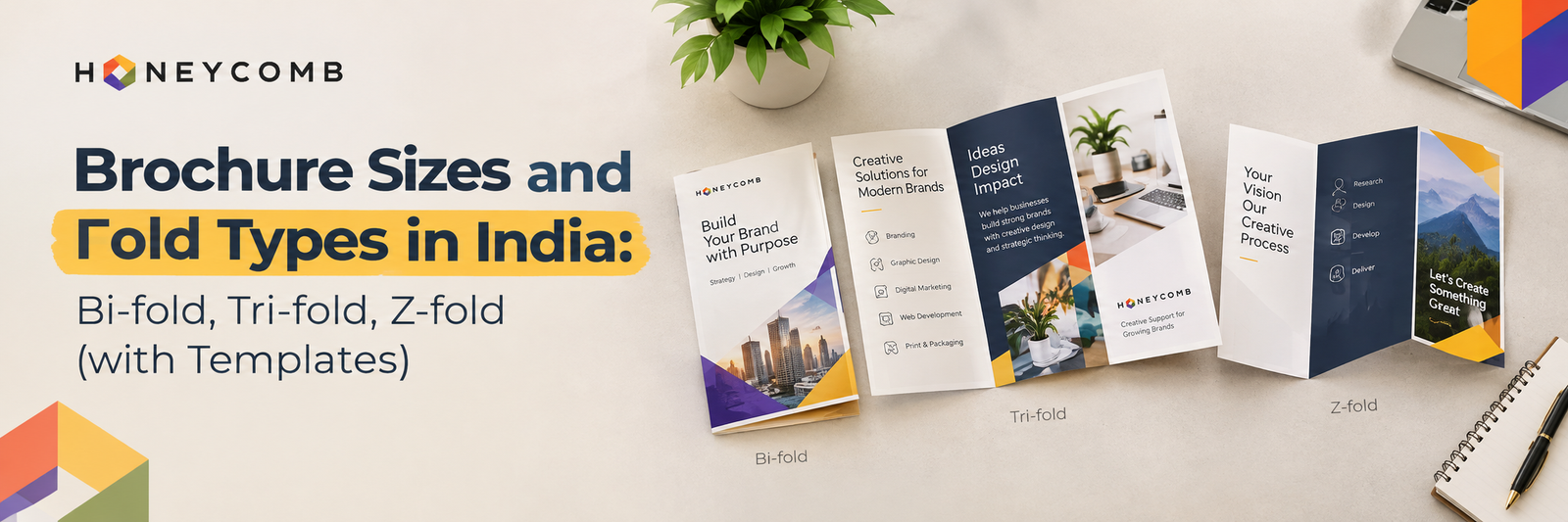
Picture a trade fair in Bangalore. Hundreds of stalls, thousands of handouts, and a prospect who gives each brochure exactly three seconds. A few get opened. Most get binned. The difference rarely comes down to the printer. It comes down to brochure design, and specifically to two early decisions: the size you choose and the fold you pick. As part of our Creative Design Services, we at Honeycomb help businesses create visually appealing brochures that communicate their message effectively and leave a lasting impression. Get the size and fold right, and your message flows. Get them wrong, and even brilliant copy disappears into the crease. In this guide, we break down standard Indian brochure sizes, compare bi-fold, tri-fold, and Z-fold formats, and share the template specifications that keep your file print-ready.
What Is a Brochure?
Let’s settle the brochure’s meaning first. A brochure is a folded printed piece that presents your business, product or service in a compact, portable format. Unlike a single-sheet flyer, it has multiple panels, so it can tell a story with a beginning, middle and end. Why a Company Brochure Still Pays Off
Digital gets the headlines, yet the benefits of brochure marketing keep it relevant across India:
It is tangible: Buyers keep it on the desk and return to it.
It builds trust: It works in face-to-face selling, from B2B meetings to exhibitions.
It works offline: No signal, no problem.
It controls the story. You decide the order in which people read.
A well-made company brochure also tells prospects you are established and detail-oriented before you say a word.
Standard Brochure Sizes in India
India follows ISO A-series paper sizes, so your printer will work in A4 and A3 formats.
Format
Flat Size (mm)
Folded Size (mm)
Best For
A4 Bi-fold
210 x 297
148 x 210 (A5)
Company profiles, menus
A3 Bi-fold
297 x 420
210 x 297 (A4)
Premium catalogues
A4 Tri-fold
297 x 210
approx. 99 x 210 (DL)
Services, price lists
A4 Z-fold
297 x 210
approx. 99 x 210 (DL)
Processes, events, timelines
Our rule of thumb: A4 flat is the safest choice for most Indian businesses. It prints economically, and the folded DL size slips neatly into standard envelopes and rack displays.
Bi-fold Brochure: Simple and Elegant
A bi-fold has one central fold and four panels: a bold front cover, a roomy inside spread and a back panel for contact details.
Use it when: your message is focused, such as a company introduction, a product launch or a restaurant menu.
Honeycomb tip: The inside spread works as one continuous canvas. Run a hero image or a key statistic across it, but keep faces and critical text at least 5 mm away from the centre crease.
Tri-fold Brochure: The Indian Marketing Classic
The tri-fold has two folds and six panels. It is the most popular format in India because it suits layered information: problem, solution, proof, offer.
Use it when: you are presenting several services, pricing tiers, or a clinic, school or real estate overview.
Honeycomb tip: The inner flap panel should be about 2 mm narrower than the others, or it will buckle when folded. Many DIY files skip this and arrive at the printer misaligned.
Z-fold Brochure: The Storyteller
A Z-fold zigzags like an accordion, so each panel reveals itself in sequence. That makes it ideal for narrative flow.
Use it when: you want to guide readers through a process, a timeline or a before and after journey.
Honeycomb tip: Design the open spread as one panoramic image. When the reader unfolds it fully, the reveal feels like a small piece of theatre.
Brochure Cover Design: Win the First Three Seconds
Your brochure cover does the selling before a single word is read. Keep these principles in mind:
One idea only: One strong image and one headline.
Lead with the benefit: “Grow Faster with Smarter Branding” beats “About Our Company.”
Protect the logo space: Give it clear breathing room.
Use finishes wisely: Spot UV, matte lamination or soft-touch coating adds perceived value.
This is where professional brochure design separates itself from a template that looks like everyone else’s.
Template Setup Checklist Whether you start from our templates or your own, set up your file like this:
Bleed: 3 mm on all sides
Safe margin: 5 mm inside the trim line
Resolution: 300 DPI for images
Colour mode: CMYK, not RGB
Paper: 130 to 170 GSM art paper for inner pages, 250 to 300 GSM for premium covers
Fonts: Outlined or embedded
Honeycomb’s bi-fold, tri-fold and Z-fold layouts follow these specifications, so your artwork stays print-ready from the first draft.
Three Brochure Design Mistakes We See Often
Too much text: White space is not wasted space. It is what makes your message readable.
Ignoring the fold: Text or faces split by a crease look careless.
No clear call to action: Every brochure needs one next step: call, scan or visit.
Your Brochure Is a Silent Salesperson. Here Is Why Honeycomb Should Train It
A brochure never takes a day off. It sits in a prospect’s hands, repeats your pitch perfectly and makes your brand look as sharp on day thirty as on day one. The right size controls your costs, the right fold controls your story, and strong brochure design controls the outcome.
At Honeycomb Creative Support, we do not just design pages. We combine branding, design strategy and premium printing under one roof, so what you approve on screen is exactly what lands in your customer’s hands. No vendor confusion. No colour surprises. Just consistent, impact-driven design.
Ready to turn paper into profit? Visit the Honeycomb website, explore our graphic design services and get a brochure that opens doors, quite literally.
Frequently Asked Questions
What is the most common brochure size in India? A4 (210 x 297 mm) is the most widely used, folded into a bi-fold, tri-fold or Z-fold.
Which fold is best for a company brochure? Tri-fold suits multi-service companies, bi-fold suits focused profiles, and Z-fold suits process-led stories.
How many panels does a brochure have? Folded formats typically have 4 to 6 panels. For larger catalogues, consider a stapled or perfect-bound booklet.
What paper is best for professional brochure design? Use 130 to 170 GSM art paper for inner pages. For a premium cover, choose 250 to 300 GSM with matte or gloss lamination.
What is the difference between a brochure and a flyer? A flyer is usually a single sheet with one message. A brochure is folded, with multiple panels for deeper storytelling.
Does a brochure still help in a digital world? Yes. Printed brochures build trust, support sales conversations and complement your digital marketing.
Can Honeycomb provide print-ready brochure templates? Yes. We provide bi-fold, tri-fold and Z-fold templates with correct bleeds, margins and fold guides.
Cover your logo with your thumb. Can a stranger still tell it is you? The colour on the shelf, the tone of the caption, the feel of the brochure in their hand: that quiet recognition is brand identity at work. It decides whether customers remember you or scroll past you. At Honeycomb India, we have spent 18+ years and 50+ brand transformations learning one thing: businesses rarely lose because of effort. They lose because of inconsistency. Read on and fix that.
What Is Brand Identity?
Brand identity is the set of visual and verbal signals a business chooses to express who it is. It includes your logo, colours, typography, imagery, voice and the experiences built around them. Brand image is what people think of you. Brand identity is what you deliberately do to shape that thought. Good brand identity design turns a business name into a personality people recognise and trust.
Why Does Brand Identity Matter for Business Results?
Because recognition compounds. Every inconsistent touchpoint forces a buyer to re-evaluate you. Every consistent one adds a small deposit of trust. Over time, that trust shortens sales cycles, improves lead quality and lets you compete on value instead of price. A clear identity also makes every rupee of marketing work harder, since your ads, website and sales decks reinforce one idea instead of five.
What Are the Core Elements of Brand Identity?
Think of these seven elements as a system, not a menu.
Brand strategy: Purpose, positioning, audience and values. Everything else stands on this.
Logo system: Primary mark, secondary versions, icon and clear space rules.
Colour palette: A deliberate set with defined roles, not a pile of favourites.
Typography: Typefaces and a hierarchy for headlines, body text and captions.
Imagery and iconography: The photography, illustration and icon style that signals your world.
Voice and messaging: How you sound, including words you use and words you avoid.
Brand applications: Packaging, website, social media, decks and print.
Strong graphic design branding ties these together so they feel like one voice.
Which Brand Identity Examples Show It Working?
Amul has spoken in the same witty, topical voice for decades, and Indians recognise its hoardings in a second. Nike’s swoosh needs no name beside it. Apple’s restraint is itself the message. Different industries, same principle: one idea, repeated with discipline.
Now a story from our own studio. Anamala Homestays in Thiruvilwamala, Kerala, carries a 70-year hospitality legacy, yet its visuals were purely functional. We began with brand strategy and landed on the positioning “Live a little more Kerala.” The logo mark merged a Nalukettu courtyard form, an Athangudi-inspired motif and a circle of harmony. The palette came from the property’s own landscape: brick red, verdant green and sunlit yellow. We paired Playfair Display with the Malayalam typeface Anakha for bilingual consistency, then designed welcome letters, postcards and room cards to carry the idea through.
The result gave the Summer 2026 campaigns a strong creative foundation, which contributed to 2,036 leads and a 32% year-on-year rise in seasonal revenue, from ₹24.1 lakh to ₹31.9 lakh. Identity done properly is not decoration. It is commercial infrastructure.
What Do Most Brands Get Wrong?
They start with the logo. Our opinion, shaped by work with 200+ clients: a logo is a signature, not a strategy. We are an insight-led agency that diagnoses first, uncovering the real business challenge before a single sketch begins. Aques Technology Solutions came to us without a cohesive identity or clear visual direction, and the brand identity we built gave their marketing a much stronger foundation. Because strategy, design, copywriting and video sit under one roof at Honeycomb, the identity never gets diluted between vendors.
What Should a Brand Guidelines Checklist Include?
Brand guidelines are the rulebook that protects your identity as more people start using it. Use this checklist:
Brand story, mission, vision and values
Positioning statement and target audience
Logo versions, clear space, minimum sizes and misuse examples
Colour palette with HEX, RGB and CMYK values
Typography hierarchy with fallback fonts
Imagery, photography and icon style
Voice, tone and a words-to-use list
Layout grids for print and digital
Social media and website usage rules
Packaging, stationery and presentation templates
An approval process and a named brand owner
How Do You Build a Brand Identity Step by Step?
Follow five moves: diagnose your market and audience, define your positioning, design the visual and verbal system, document it in guidelines, then deploy it across every touchpoint. Skip a step and the identity wobbles.
Conclusion: Your Brand Is Already Talking. Is It Saying the Same Thing Everywhere?
Every business has an identity, whether designed or accidental. The accidental kind sends mixed signals: one colour on the website, another on the brochure, a different tone on LinkedIn. The designed kind compounds trust, sharpens positioning and makes marketing spend go further. The case is simple. Customers buy what they recognise and trust, and recognition is built by consistency.
At Honeycomb India, we combine brand strategy, brand identity design and brand guidelines with web, digital and print, so your brand speaks with one confident voice everywhere. Ready to be unmistakable? Visit Honeycomb India to explore our branding services and case studies, or call +91 90352 90915 to start your brand transformation today.
Frequently Asked Questions
What is the difference between brand identity and branding?
Brand identity is the tangible set of assets and rules, such as logo, colours and voice. Branding is the ongoing process of building perception using those assets.
How long does brand identity design take?
It usually takes several weeks, depending on research depth, the number of applications and how quickly approvals come in.
What is the difference between brand guidelines and a brand strategy?
Brand strategy defines who you are and why you matter. Brand guidelines document how that strategy looks and sounds in practice.
When should a business update its brand guidelines?
Update them when you rebrand, enter new markets, launch new channels or notice inconsistent output across teams and vendors.
Can a small business invest in brand identity design?
Yes. Start with strategy, a logo system, palette, typography and lean guidelines, then expand as the business grows.
Does brand identity affect SEO and website performance?
Indirectly, yes. A consistent identity builds trust and recall, which supports branded searches, click-through rates and conversions.
Imagine hiring a brilliant architect to design your dream office, then handing the interiors over to whoever happened to be free that week. The building would look impressive from the outside and still feel wrong to work in every single day. That’s what happens when growing businesses invest in a great product or service but skip proper UI/UX design services. The idea might be solid, but if customers can’t navigate it, trust it, or enjoy using it, growth stalls quietly in the background. This guide breaks down what UI/UX design services actually involve, why they matter more as you scale, and how the right partner turns a good business into an effortless one to buy from.
What Exactly Are UI/UX Design Services?
UI/UX design services cover the research, strategy, and craft behind how a digital product looks, feels, and functions. UI (user interface) design handles the visual layer: layout, colour, typography, and interactive elements. UX (user experience) design handles the invisible layer: how intuitive, efficient, and satisfying the journey feels from first click to final action.
Together, these services typically include user research, wireframing, prototyping, visual design, usability testing, and ongoing optimisation. It’s not a single deliverable; it’s a discipline applied across websites, apps, and digital products to make sure every screen earns the user’s trust and attention. For growing businesses, this isn’t a luxury add-on; it’s infrastructure. Just as you wouldn’t scale operations without solid processes, you shouldn’t scale digitally without solid design.
Why Do Growing Businesses Need UI UX Design Services in Bangalore?
Bangalore is home to some of India’s most competitive digital markets, from SaaS startups to D2C brands to enterprise platforms, all fighting for the same limited attention span. Businesses searching for UI UX design services in Bangalore are usually past the “just get something online” stage. They’ve realised that a generic template or a rushed MVP interface caps how far the business can grow, no matter how good the underlying offering is.
At Honeycomb, working within this specific market has taught us something important: local context matters. Payment habits, mobile usage patterns, language preferences, and even scroll behaviour differ from what you’d design for a purely global audience. A team offering UI UX design services in Bangalore that actually understands this market builds interfaces that feel native to the user, not translated from somewhere else. That familiarity is often the quiet difference between a visitor who trusts you and one who bounces.
What Does Digital Product Design Actually Solve?
Digital product design is a broader lens than a single website or app screen. It looks at your entire digital ecosystem- website, app, dashboard, customer portal- as one connected experience that should feel consistent and purposeful at every touchpoint.
Growing businesses often accumulate digital debt without realising it. A website built by one vendor, an app built by another, and a checkout flow patched together under deadline pressure. The result is a Frankenstein product that technically works but confuses users with every inconsistency. Good digital product design solves this by starting with research: who is the user, what are they trying to achieve, and where does the current experience get in their way? From there, wireframes map the structure, prototypes test the flow, and only then does visual design come in to make it beautiful. Skipping straight to visuals is like decorating a house before you’ve decided where the rooms go.
How Do App Design Services Improve Retention and Revenue?
If your business runs on a mobile app, app design services deserve just as much attention as your website, arguably more, since mobile users abandon confusing experiences even faster than desktop visitors do. Good app design reduces the number of decisions a user has to make at every step. Clear onboarding, predictable navigation, and obvious calls to action all reduce the mental effort required to keep using your app.
This directly affects two numbers businesses care about most: retention and revenue. Users don’t uninstall apps because the feature set is weak; they uninstall because the experience feels like work. Investing in proper app design services means investing in fewer dropped carts, fewer abandoned sign-ups, and more users who come back without being pushed by another notification or discount.
What Makes Honeycomb Different as a UI/UX Design Partner?
Honeycomb isn’t a design vendor that shows up with templates and a mood board. We’re a full-service creative agency where branding, UI/UX, and digital marketing sit under one roof, which means the interfaces we design are built to support your brand voice and your growth strategy, not just look good in a portfolio.
Our approach leans on two instincts we’ve built our reputation around. The first is originality: we push for distinctive, purpose-built interfaces instead of recycled templates, because your business deserves a product that looks and feels like nobody else’s. The second is strategic rigour: every creative decision goes through research and usability thinking before it becomes a final design. This combination is exactly why founders across industries, from creative businesses to service-led companies, come back to us as their long-term design partner rather than a one-time vendor.
What Should You Look for Before Hiring a UI/UX Team?
Not every agency offering UI UX design services delivers the same value. Look for a team that starts with research and user journey mapping instead of jumping straight into visuals. Ask to see how they’ve handled usability testing, not just final mockups. Check whether they understand your specific market, especially if you’re targeting Indian audiences where mobile-first design and local user behaviour genuinely change outcomes. And most importantly, look for a partner who treats design as connected to your business goals, not as decoration layered on top of them.
Design That Grows With You, the Honeycomb Way
A growing business needs more than a product that works; it needs an experience that earns trust with every click and keeps customers coming back without friction. That’s the real promise behind UI/UX design services, and it’s a promise Honeycomb Creative Support has delivered on for businesses across Bangalore and beyond, blending strategic research, original design thinking, and brand consistency into every project we take on. If your digital product is ready to feel as good as it looks, reach out to Honeycomb today and let’s design the experience your growth deserves.
Frequently Asked Questions
1. What is included in typical UI/UX design services?
Most UI/UX design services include user research, wireframing, prototyping, visual design, usability testing, and post-launch optimisation, covering both how a product looks and how it functions.
2. How is digital product design different from just website design?
Digital product design looks at your entire digital ecosystem, including apps, dashboards, and portals, as one connected experience, while website design typically focuses on a single site.
3. Why should I choose a team offering UI UX design services in Bangalore specifically?
A locally rooted team understands regional user behaviour, mobile usage habits, and market expectations better than a generic or purely global agency, which often shows up in higher engagement and trust.
4. Do small or growing businesses really need professional UI/UX design, or can it wait?
The earlier you invest, the less digital debt you accumulate. Waiting often means redesigning under pressure later, which costs more time and money than doing it right early.
5. How do app design services impact user retention?
Clear onboarding, predictable navigation, and low-friction checkout flows reduce the mental effort of using an app, which directly reduces uninstalls and increases repeat usage.
6. How long does a typical UI/UX design services project take?
Depending on scope, projects usually take between four and twelve weeks, covering research, wireframing, design, testing, and refinement before launch.
7. What industries does Honeycomb offer UI/UX design services for?
Honeycomb has worked across creative, lifestyle, manufacturing, B2B, D2C, and SaaS businesses, adapting UI/UX strategy to each industry’s specific users and goals.
8. How do I start a UI/UX design project with Honeycomb?
Reach out through the Honeycomb website with a bit about your business and goals, and the team will guide you through research, strategy, and design from there.
Picture two shops on the same street. One has a jammed door, dim lighting, and a billing counter you can’t find. The other welcomes you in, guides you to exactly what you need, and makes paying feel effortless. You already know which shop gets your money and which one gets a one-star review. Your website works the same way. Every scroll, tap, and click is a tiny decision point, and UI/UX design decides whether that visitor becomes a customer or bounces back to Google within seconds. If you’ve ever wondered why your traffic looks healthy but your sales chart doesn’t, the answer is usually hiding in your design, not your product.
What Is UI UX Design and Why Does It Matter for Conversions?
UI (user interface) is what people see: the colours, buttons, typography, and layout. UX (user experience) is what people feel: how easy, intuitive, and satisfying it is to get from landing page to checkout. Conversion rate is simply the percentage of visitors who complete the action you want, whether that’s a purchase, a form fill, or a demo booking.
Here’s the part most business owners underestimate: design isn’t decoration; it’s persuasion. A confusing menu, a slow-loading page, or a checkout form with fifteen fields can quietly kill conversions while everyone blames the marketing budget instead. At Honeycomb, we’ve audited enough websites to know that the fix is rarely “spend more on ads.” It’s almost always “fix the experience the ads are sending people to.”
How Does User Journey Design Influence Buying Decisions?
Every visitor who lands on your site is on a journey, whether you’ve designed it or not. The question is whether that journey is intentional or accidental. A well-mapped user journey anticipates what a visitor needs at each stage: awareness, consideration, and decision, and removes friction at every step.
Think about the last time you abandoned a cart. Maybe shipping costs appeared out of nowhere at checkout, or you had to create an account just to buy one item. These are user journey failures, and they are far more common than businesses realise. When we redesign a client’s site at Honeycomb, we start by mapping this journey end to end: where do people enter, what do they compare, what makes them hesitate, and what finally tips them into a decision. Only after that mapping do we touch colours or fonts. A beautiful website with a broken journey still loses customers.
Why Does Bangalore Need Specialised UI UX Design Agencies?
Bangalore’s digital economy moves fast. Startups, SaaS companies, D2C brands, and enterprises are all fighting for the same scrolling thumb, and generic templated websites simply don’t cut it anymore. This is exactly why founders searching for a UI UX design agency in Bangalore are looking for more than a vendor who can “make it look nice.” They need a partner who understands local user behaviour, mobile-first browsing habits, regional payment preferences, and the specific expectations of Indian audiences shopping or researching online.
As a UI UX design agency in Bangalore, Honeycomb has worked across industries, from creative and lifestyle brands to service-based businesses, and one pattern shows up again and again: businesses that treat design as strategy consistently outperform those that treat it as an afterthought. Being based in Bangalore also means we’re plugged into the pace of this market, which shapes how we design for speed, clarity, and mobile usability from day one.
How Does App Design Impact Conversion Rate?
If your business has a mobile app, app design deserves the same scrutiny as your website, arguably more, since app users have even less patience for friction. A cluttered onboarding flow, unclear navigation, or a checkout process that doesn’t match users’ mental model of “how apps should work” will tank retention and conversion rate together.
Good app design reduces cognitive load. Every screen should answer one question for the user: what do I do next? When onboarding is simple, navigation is predictable, and calls to action are visually obvious, users move through the funnel without thinking twice. This is where visual hierarchy becomes critical, guiding the eye toward the next logical action rather than letting it wander. Whether it’s a food delivery app or a B2B SaaS dashboard, the principle stays the same: clarity converts, confusion doesn’t.
What Makes Honeycomb a Trusted UI UX Design Company?
As a fullservice UI UX design company, Honeycomb doesn’t treat design as an isolated deliverable. Our approach blends branding, user experience, and digital marketing under one roof, which means the website we design is built to work with your SEO, your campaigns, and your brand voice, not despite them.
We start with research and wireframing before a single pixel of visual design happens, because guessing at what users want is how most conversion problems begin. From there, we design with a strong point of view: The Creator archetype in us pushes for original, distinctive interfaces instead of templated ones, while The Sage in us insists that every creative decision is backed by strategy and usability testing, not just aesthetics. That combination is what has helped our clients move from “nice-looking website” to “website that actually sells.”
What Are the Common UI UX Mistakes That Kill Conversions?
A few patterns show up on almost every underperforming site we review. Slow load times frustrate mobile users before they even see your offer. Unclear calls to action leave visitors unsure what to do next. Inconsistent branding across pages erodes trust. Long, complicated forms increase bounce rate at the exact moment you need commitment. And ignoring mobile-first design in a country where most traffic comes from phones is one of the costliest mistakes a business can make.
None of these is unfixable. They’re symptoms of design decisions made without the user’s journey in mind, and every one of them is solvable with the right UI UX partner.
Turning Clicks Into Customers, the Honeycomb Way
Your website is not a brochure; it’s a salesperson working around the clock, and its performance depends entirely on how well it’s designed to guide, reassure, and convert every visitor it meets. If your conversion rate isn’t reflecting your traffic, it’s time to look past the marketing spend and into the experience itself. Honeycomb Creative Support has spent years helping brands across Bangalore and beyond turn ordinary websites and apps into conversion engines through research-led, strategybacked UI UX design. Ready to see what a truly intentional user journey can do for your business? Get in touch with Honeycomb today and let’s design a website that works as hard as you do.
Frequently Asked Questions
1. What is the difference between UI and UX design? UI is the visual layer of a product, including colours, buttons, and layout. UX covers the overall experience and how easily a user can achieve their goal. Both work together to influence conversion rate.
2. How does UI UX design directly increase website conversions? Good design removes friction from the user journey, making it easier for visitors to find information, trust your brand, and complete an action like a purchase or signup, which directly lifts conversion rate.
3. Why should I hire a UI UX design agency in Bangalore instead of a freelancer? An established UI UX design agency in Bangalore brings a full team, tested processes, and local market understanding, offering more consistency and strategic depth than most individual freelancers can provide.
4. Does app design affect conversions the same way website design does? Yes, and often more intensely. App design shapes onboarding, navigation, and checkout, and any friction there tends to cause quicker drop-off than on a website.
5. How long does a UI UX design project usually take? Timelines vary by project scope, but most website or app redesigns take anywhere from four to ten weeks, covering research, wireframing, design, and testing.
6. What industries does Honeycomb work with as a UI UX design company? Honeycomb has worked across creative, lifestyle, D2C, service-based, and SaaS businesses, tailoring UI UX design to each industry’s specific user journey and audience behaviour.
7. Can redesigning my website really improve conversion rate without increasing ad spend? In many cases, yes. Since you’re improving how existing traffic converts, a strong redesign often delivers better ROI than simply pouring more budget into ads pointing at an unoptimised site.
8. How do I get started with Honeycomb for a UI UX design project? Simply reach out through the Honeycomb website with details about your business and goals, and the team will walk you through research, strategy, and design tailored to your brand.